















Filter & Sort
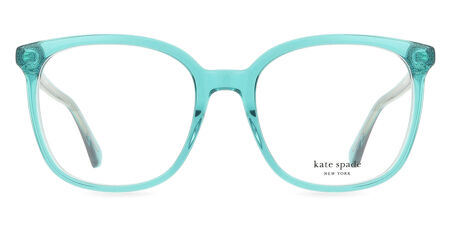
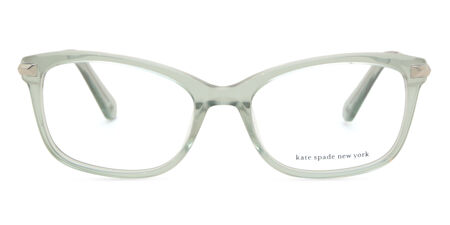
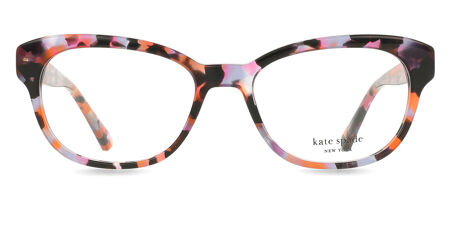
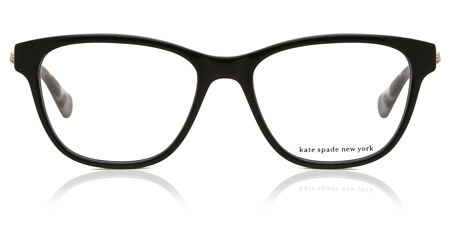
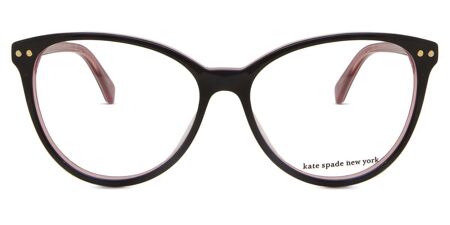
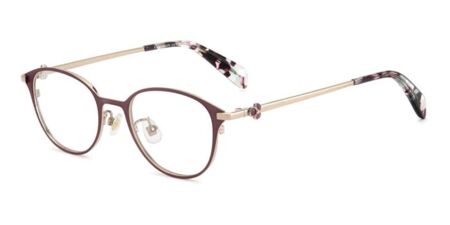
Kate Spade Virtual Try-On Prescription Glasses
319


One of my favorite pairs of glasses what's not to love about these frames the fit the style the color!!! I had them put in the orange tint lenses and they're amazing i get a lot of compliments on them.

Keith Thomas
















Filter & Sort
- Virtual Try-On
Kate Spade Virtual Try-On Prescription Glasses - Frequently Asked Questions
It’s a digital styling tool that shows how Kate Spade glasses look on your face, using your device’s camera or an uploaded image.
Open any product page with the “Virtual Try-On” button, enable your camera, and follow the quick steps to see the frames in motion on your face.
Yes. It runs directly on your web browser and works on both desktop and mobile. No need for any app installation.
Most current styles are. If the feature is active, you’ll see the Try-On option on the product page.
It’s impressively close. The tool uses 3D facial mapping to show how the frames align with your features, including proportion and size.
Yes. You can switch between frames instantly and compare how different shapes or colors suit your face.
It focuses on the frame’s design and fit. You’ll add prescription details later when customizing your order.
Nothing. Your image is processed in real time and not saved, stored, or shared.
Yes. Upload a photo or short video instead to get a static but accurate preview.
Yes. After choosing your frame, you can add blue-light-blocking or photochromic lenses directly through SmartBuyGlasses.
SmartBuyGlasses is an authorized retailer. Every pair includes official packaging, authenticity documentation, and a two-year manufacturer’s warranty.
No problem. You have 100 days to return or exchange them under our standard return policy, giving you peace of mind when shopping online.


